
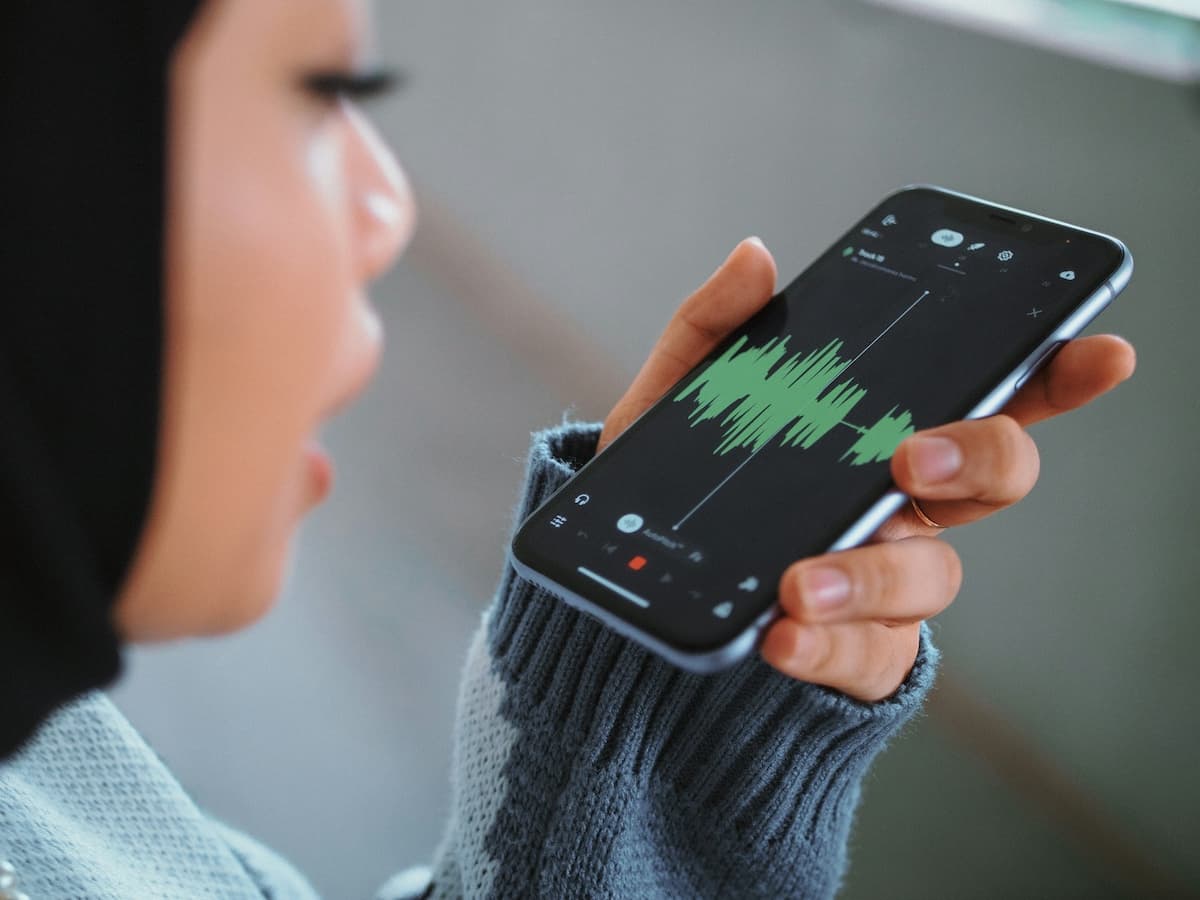
Search for “voice notes” or “voice memos” and you’ll get largely the same results as the terms are used interchangeably by most people, most apps, and honestly most of the internet. But there’s a real, useful distinction underneath the overlap, and knowing it will help you pick the right tool instead of just whatever app your phone shipped with. Especially if you’re a voice first content creator.
So in this guide we’ll break down the actual difference, when it matters, and which apps are worth using depending on what you’re trying to do with your voice, whether that’s a two-second reminder or the raw material for your next piece of content.
Is there really a difference between voice notes and voice memos?
Technically, not really, but usage has drifted in a useful direction.
Voice memo is the older term, and it’s tied closely to the literal function: a memo, in the traditional sense, is a short reminder or record: “pick up milk,” “call the dentist back,” “don’t forget the 3pm.” Apple cemented this usage with its Voice Memos app, which has existed since the early iPhone days and is built for exactly that: quick, disposable, personal audio notes.
Voice note has become the broader, more modern term. It still covers the “quick reminder” use case, but it’s increasingly used for anything you record with the intention of doing something with it later, such as capturing an idea for a blog post, recording a thought to expand into a script, dictating a rough draft of an email. The word “note” implies you’ll come back to it and act on it, not just hear it and delete it.
In short: every voice memo is a voice note, but not every voice note is just a memo. The distinction is really about intent…
- Memo = capture and remember
- Note = capture and use
That distinction matters more than it sounds, because it changes what app you actually need.
When you just need a memo (capture and remember)
If all you want is to record something quickly so you don’t forget it, a reminder, a quick thought, a grocery list, you don’t need anything sophisticated. You need speed and reliability.
Best apps for this use case:
- Apple Voice Memos: Built in, zero setup, works offline, syncs via iCloud. On-device transcription is decent for short, clear recordings. This is the default for a reason.
- Google Recorder (Android): Similarly built-in, with strong transcription and searchable text for past recordings, which is genuinely useful for finding an old memo without scrubbing through audio.
- Samsung Voice Recorder: Solid built-in option on Samsung devices, comparable feature set.
None of these are trying to do anything clever with your recording. They store it, maybe transcribe it roughly, and that’s it. For pure memo use, that’s exactly right, after all you don’t want friction between “I have a thought” and “it’s recorded.”
When you need a note (capture and use)
This is where most of the interesting tools live, because “capture and use” covers a huge range of needs, and the right app depends heavily on what you’re going to use the recording for.
If you’re transcribing meetings or conversations with multiple people:
- Otter.ai: Speaker identification, real-time transcription, built for meetings specifically rather than solo notes.
If you want structured notes rather than a raw transcript:
- AudioPen: Takes a rambling voice note and returns cleaned-up, organized notes. A real step up from a raw transcript, though the output is still notes, not finished content.
- Wispr Flow: Similar territory, focused on turning speech into cleaner written text, often used as a dictation tool for writing generally.
If you’re editing audio or video and want to edit by editing text:
- Descript: Transcribes your recording and lets you cut the audio/video by deleting text, which is a genuinely different (and useful) workflow if you’re producing podcast or video content.
If your voice note’s real destination is published content; a blog post, a LinkedIn update, a script:
- Zinggit: This is the gap the above tools don’t close. AudioPen and Wispr Flow get you from voice to clean notes; Otter and Descript get you a transcript. None of them take the next step and actually turn your voice note into a publish-ready blog post, LinkedIn post, newsletter, YouTube script, short-form video script, or presentation. Zinggit does… you record or upload, pick the output format, and get back something structured and ready to publish, not just cleaned-up notes you still have to write from.
So which should you use?
Match the app to what happens after you stop talking, not to the label on the app icon.
| If your voice note is… | Use |
|---|---|
| A quick personal reminder | Apple Voice Memos / Google Recorder |
| A multi-speaker meeting you need documented | Otter.ai or Zinggit |
| A rambling thought you want organized (but not published) | AudioPen, Wispr Flow or Zinggit |
| Audio/video you’re editing by cutting text | Descript |
| The starting point for a blog post, LinkedIn post, newsletter, or script | Zinggit |
Most people actually use two or three of these across a normal week, a quick memo app for reminders, and something more capable for anything that’s going to turn into actual content. That’s not overkill; it’s matching the tool to the job.
Why this distinction actually matters for content creators
If you’re a content creator, founder, marketer, or anyone who regularly has ideas worth writing up, the “memo vs note” distinction isn’t academic, it changes your workflow.
Treating every recording like a disposable memo means good ideas get buried in a Voice Memos folder, never revisited, because there’s no path from “recorded” to “published.” Treating recordings as notes with a destination, eg. this is going to become a LinkedIn post, this is going to become a script, this changes what tool you reach for, and more importantly, whether the idea ever actually sees daylight.
That’s the real cost of using the wrong app for the job: not bad transcription, but good ideas that quietly die in a folder because turning them into something felt like a separate project you never got around to starting.
The bottom line
“Voice notes” and “voice memos” get used interchangeably, and for casual reminders, that’s fine — grab whatever’s built into your phone. But the moment your recording has a destination beyond your own memory — content you actually intend to publish — the right tool isn’t a memo app or even a transcription app. It’s one built to take you all the way from voice to finished content.
Got a voice note that’s meant to become something? Try Zinggit — speak it, and get back a blog post, LinkedIn update, script, or newsletter, not just a transcript to rewrite yourself.